
Task Bar Cube Known Issues: Reports & Developer Replies
Review Task Bar Cube launch reports on missing chests, Battle Pass limits, pop-ups, effects, rankings, and leveling, with clear support checks.
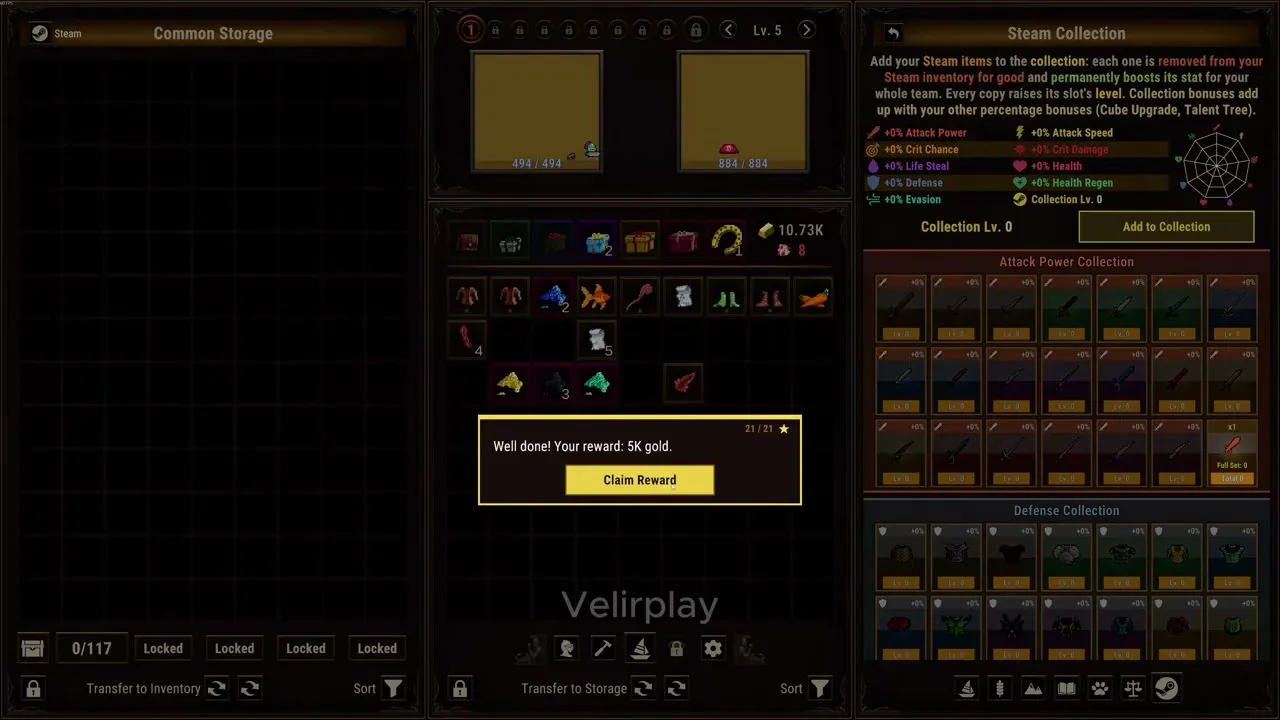

Task Bar Cube Gameplay Walkthrough LONGPLAY 4K 60FPS PC - No Commentary — Velirplay
General game footage used as fallback media. This is not a keyword-specific tutorial or device benchmark; use the cited references for factual claims.
What is confirmed at launch?
Missing chests or an unchanged character level can make an idle session feel wasted. Task Bar Cube known issues matter because purchase benefits, progression expectations, and promised improvements require different responses. This Task Bar Cube known issues guide separates community reports from developer replies so you can assess your own account without treating an unverified workaround as a fix.
Evidence reviewed: October 26, 2026. Coverage applies to the Steam global Windows launch release dated October 25. No numbered patch or independent gameplay testing was verified.
The official Task Bar Cube Steam listing identifies DarkRook Interactive as developer and publisher. It describes a free desktop idle RPG with automatic combat and compact taskbar or full-screen views. Native Windows support is listed; native macOS and Linux support is not.
The launch reports fall into six main areas:
| Issue | Player observation | Developer reply in reviewed evidence | Unresolved status |
|---|---|---|---|
| Steam chest delivery | Purchased-DLC accounts reportedly show 0/220 without receiving chests | No resolution retrieved | Cause and working fix unconfirmed |
| Battle Pass allowance | One account expected 270 but still displayed 220 | No resolution retrieved | Stacking rules and account outcome unverified |
| Frequent offers | Many purchase prompts during early play | Beginner offer frequency acknowledged; timing changes under evaluation | No deployed adjustment confirmed |
| Combat effects | Request for an option to disable animations and effects | Option promised, with an announcement when available | Release of the control unconfirmed |
| Online Ranking | Implausible entries reported | Developer promised removal of invalid entries | Completed cleanup unverified |
| Character levels | Characters reportedly remain at level one despite combat | No verified explanation retrieved | Leveling method insufficiently documented |
These Task Bar Cube known issues describe reported experiences, not a finding that every account is affected. “Unresolved” here means the reviewed evidence does not establish a completed resolution.
Missing Steam chests and Battle Pass allowance
The store advertises one random Steam chest per five minutes of play. That advertised interval does not establish unlimited delivery, a universal daily allowance, or rewards while the client is closed.
Community reports describe accounts with purchased DLC remaining at 0/220. One poster says reinstalling, changing network or IP, and switching computers did not resolve their experience. That makes those steps unsuccessful for that player; it does not establish a cause or a universal troubleshooting result. See the community discussion about stalled chest delivery.
A separate report describes chests stopping during a five-hour absence, followed by a displayed 0/220 allowance after a reset. The account does not independently establish whether the client stayed open or which timezone governed that reset.
| Chest detail | What the evidence supports | What remains unknown |
|---|---|---|
| Five-minute interval | Advertised cadence during play | Whether a particular account qualifies for each delivery |
| Display reading 0/220 | Reported on affected purchased-DLC accounts | Universal base cap or precise counter meaning |
| Five-hour absence | One player reported interrupted delivery | Client state and closed-client reward behavior |
| Battle Pass purchase | One player reported an unchanged 220 display | Verified stacking rules or a corrected allowance |
The Battle Pass allowance report concerns a player who bought three DLC packs, saw a 220 allowance, and expected 270 after buying the pass. Those numbers capture that account’s observation and expectation. They are not a confirmed entitlement table for every purchase combination.
When comparing Task Bar Cube known issues with your account, record the displayed allowance before and after a purchase. Include the purchase time, relevant pack names, and whether actual chest delivery changed. A counter that stays unchanged and chests that stop arriving are separate observations; report each explicitly.
Avoid purchasing another pack solely to troubleshoot missing chests. The reviewed reports do not establish additional spending as a remedy. Likewise, there is no verified reset timezone to use as a guaranteed recovery deadline.
The store’s chest-level probabilities are also separate from delivery eligibility. A chest’s possible level does not explain why an account receives no chest, and those probabilities should not be interpreted as item-quality odds.
Offers, combat effects, and suspicious rankings
Three launch concerns received developer replies, but each reply describes a different commitment. Keeping those commitments distinct prevents a planned improvement from becoming an assumed shipped feature.
Frequent purchase offers
A player complained about repeated offer pop-ups during an early session. In the discussion about frequent beginner offers, the developer acknowledged excessive frequency and said it would evaluate timing and frequency for later updates.
That acknowledgment supports treating offer frequency as a recognized concern. It does not establish an available disable-offers setting or a completed adjustment. If reporting your experience, describe how often offers appeared and what you were doing when they interrupted play.
Combat animations and effects
The developer responded to a request for combat-effects controls by promising an option and an announcement when it becomes available.
For this part of Task Bar Cube known issues, the distinction is straightforward: a promised option has not been verified as released. If this control determines whether you want to play, look for an explicit release announcement rather than assuming the reply means it is already available.
Online Ranking entries
Community reports flagged an implausible 138888-day leaderboard entry. In the ranking discussion and developer response, DarkRook Interactive said cheating affects the cheater’s progression, that cheaters should not appear in Online Ranking, and that invalid entries would be removed.
Those statements establish the developer’s position and intended action. They do not independently prove that every invalid entry is blocked or that the reported entry was removed. A later player also reported suspicious entries.
A useful ranking report captures the displayed value and observation time. Focus on the entry itself; an unusual result does not justify broader claims about other players.
Characters staying at level one: what is missing?
Community reports describe characters remaining at level one despite combat. One poster said inexpensive packs did not advance their characters, then later said fish could level them. This is player experience, not a verified feeding walkthrough. The character-level discussion supplies no confirmed quantities, menu steps, experience table, or unlock requirement.
The official production screenshot helps distinguish activity progress from character progress:
| Progress type | Supported description | Relevance to a stalled character level |
|---|---|---|
| Hunting XP | Catching fish or boxes earns Hunting XP | Does not establish how heroes gain levels |
| Farm XP | Planting and harvesting earns Farm XP | Measures the named production activity |
| Mining XP | Mining ore earns Mining XP | Does not demonstrate character XP gain |
| Character level | Players report remaining at level one | A complete leveling procedure is unverified |
This distinction matters when reviewing Task Bar Cube known issues because several systems have their own levels. An increasing Hunting Level is not evidence that a hero’s character level should increase at the same rate.
Before describing the problem, identify the exact label that remains unchanged. Record the character level, the activity performed, and any relevant resource count before and afterward. That creates a clearer report than saying that “XP is broken.”
The evidence also does not establish that buying packs fixes character progression. Do not turn one player’s later comment about fish into a guaranteed resource requirement or an invented feeding route. A complete answer would need documented instructions or reproducible gameplay evidence.
Practical checks and a useful support report
Start by matching your symptom to the relevant report. A chest allowance question needs purchase and counter details; an installation problem needs a different check. Repeating unrelated maintenance can consume time without answering either question.
For installation concerns, Steam provides Library → Task Bar Cube → Properties → Installed Files → Verify integrity of game files. The official Steam file-verification instructions explain this maintenance feature.
Verification is not a proven solution to chest delivery, Battle Pass benefits, character leveling, offer frequency, or leaderboard entries. It also does not determine the correct Cloud save version or guarantee recovery of deleted items.
| Report detail | What to capture | Why it helps |
|---|---|---|
| Time and timezone | When the symptom started and when you checked again | Makes observations comparable |
| Exact display | Counter, level, or ranking value, preferably with a screenshot | Preserves what the interface showed |
| Purchase context | Relevant DLC or pass and purchase timing | Separates benefit questions from general delivery reports |
| Client state | Whether the game remained open during the observed interval | Clarifies ambiguous descriptions of being away |
| Previous attempts | Actions taken and their actual results | Prevents unsuccessful steps from becoming claimed fixes |
For example, “the allowance stayed at 220 after the Battle Pass purchase” is more precise than “the pass does nothing.” It describes an observable display change without assuming every pass benefit failed.
Similarly, specify whether you checked only the chest counter or also observed new chest delivery. The reviewed evidence does not establish that these observations always move together.
Steam Cloud appears in the feature list, but the badge does not identify which files or progress fields synchronize. Consequently, the supplied evidence cannot support a game-specific save restoration procedure.
When revisiting Task Bar Cube known issues after an update, look for evidence tied to the exact symptom: an announcement that the effects option is live, clarified allowance rules, or a documented account resolution. A general promise of future improvements supplies no completion date.
What should you read next?
Continue with the missing chest troubleshooting. Players reported missing Steam chest rewards despite visible counters and expected collection.
Continue with the promotional popup report. The developer acknowledged complaints about frequent early promotional offers, but the supplied evidence does not verify a shipped disable-offers switch.
Continue with the ranking integrity report. A launch discussion raised concerns about suspicious ranking values and received a developer response.
FAQ
Are Task Bar Cube known issues fixed as of October 26, 2026?
Is 220 the daily Steam chest limit for everyone?
Does automatic combat mean chests arrive with the game closed?
Will reinstalling fix missing chests or character levels?
Related Articles
support
Task Bar Cube Battle Pass Chest Limit Not Working: Checks
Understand Task Bar Cube's advertised +50 chest limit, the reported 220/270 discrepancy, and what to document before requesting support.
support
Task Bar Cube Leaderboard Bug: Reports & Developer Reply
Understand the Task Bar Cube leaderboard bug, the developer’s removal promise, and how to report suspicious rankings without risking your progress.
support
Task Bar Cube Slow Fusion: Combine Status & Batch Planning
Understand Task Bar Cube slow fusion reports, the unconfirmed one-click combine request, and how to plan rarity upgrades and nine-item fusions.
Was this helpful?
Thanks for the feedback!